


Table of Contents
Introduction
My intention is simply to make our responsibilities a bit easier to manage and to hopefully free up some time for other important matters. So if they do this for you, then they have achieved their purpose!
Public Talks 23.0.3
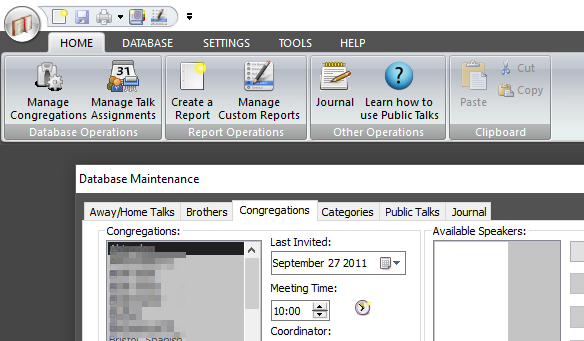
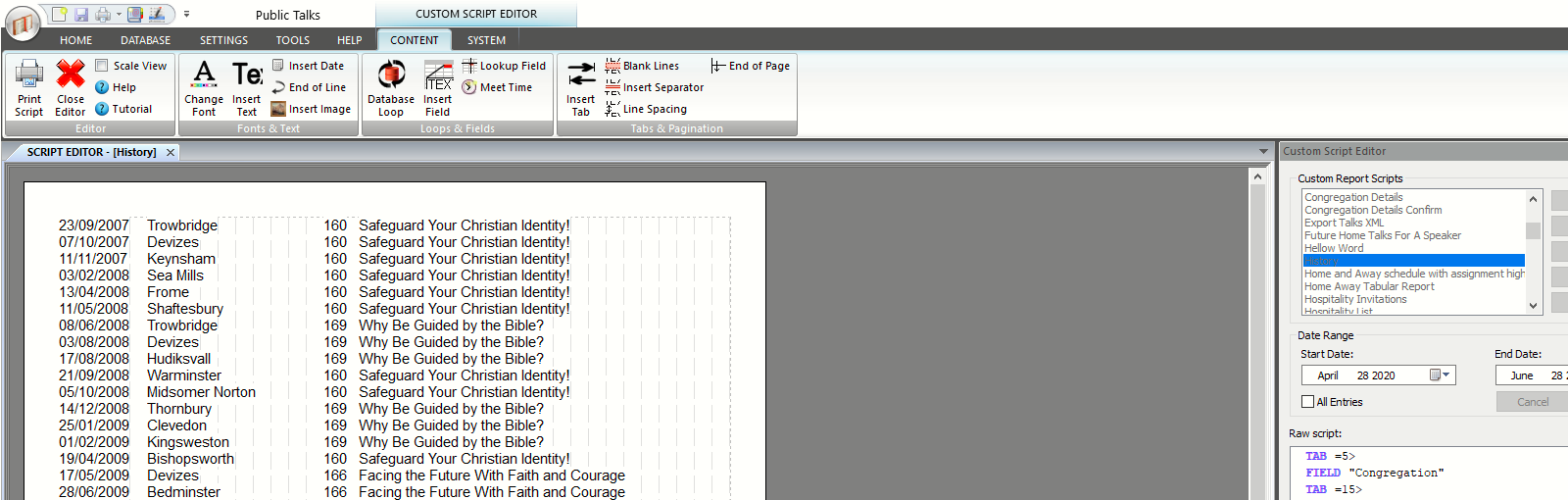
Public Talks is designed to assist Public Talk Coordinators. It is very easy to maintain congregation and speaker data and prepare schedules.
There are several standard schedules to choose from and you can also create your own with the internal Script Editor.
- Congregation data can be synchronised with other Public Talks users, making it very easy to keep the database up to date.
- Send scheduled assignments to your online calendar. Google is supported.
Meeting Schedule Assistant 24.6.0
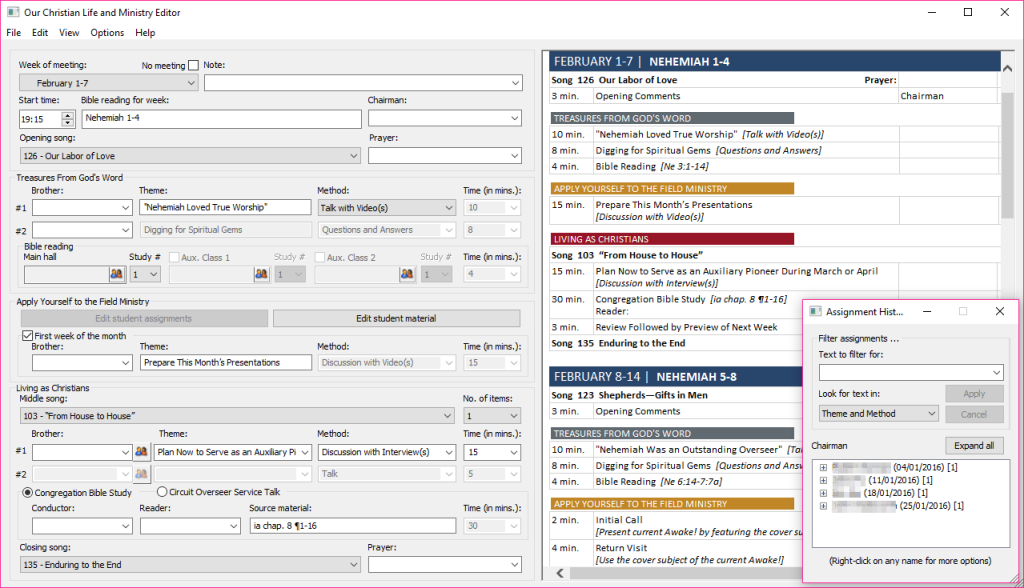
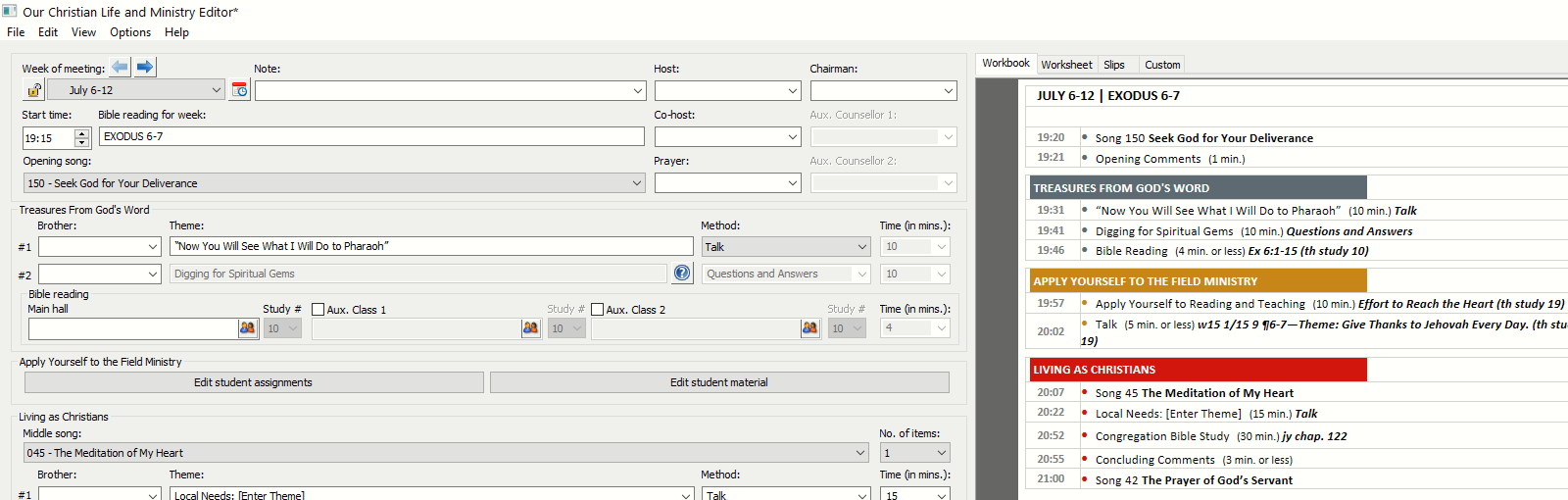
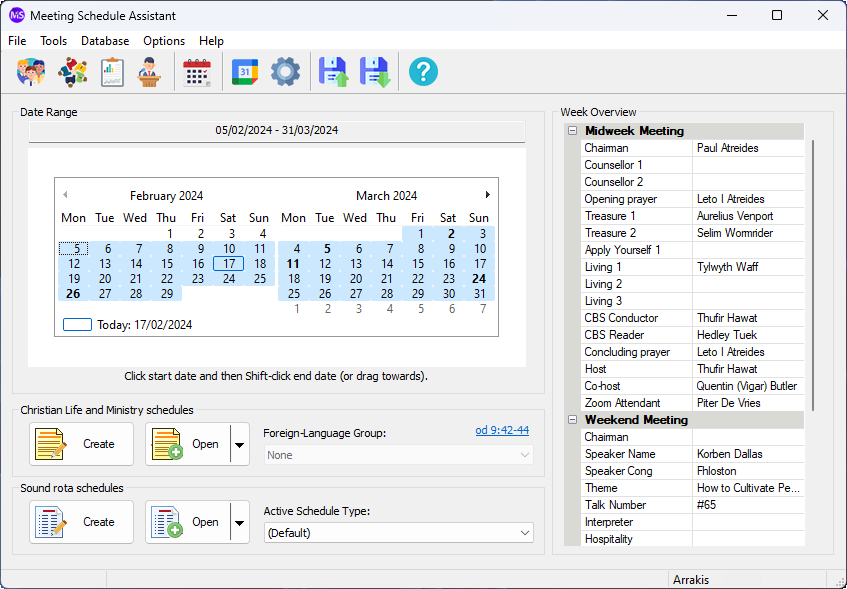
Meeting Schedule Assistant is an application for creating a variety of schedules, such as a ‘Sound’ department or an ‘Attendants’ rota.
It also includes a dedicated Christian Life and Ministry editor which is also capable of downloading schedule content (not available for all languages) and generating personalised schedules.
It also supports the printing of S-89 assignment slips.
Note
The S-89 template files are not provided with the application. You need to email a copy of your PDF slip and in return you will receive the template files with instructions. You can also send your PDF file by using the Contact Form.
- Synchronise with Public Talks and automatically exclude brothers from assignments if they have already been allocated for other assignments on the same date.
- Send scheduled assignments to your online calendars. Google and Outlook/Outlook365 calendars are supported.
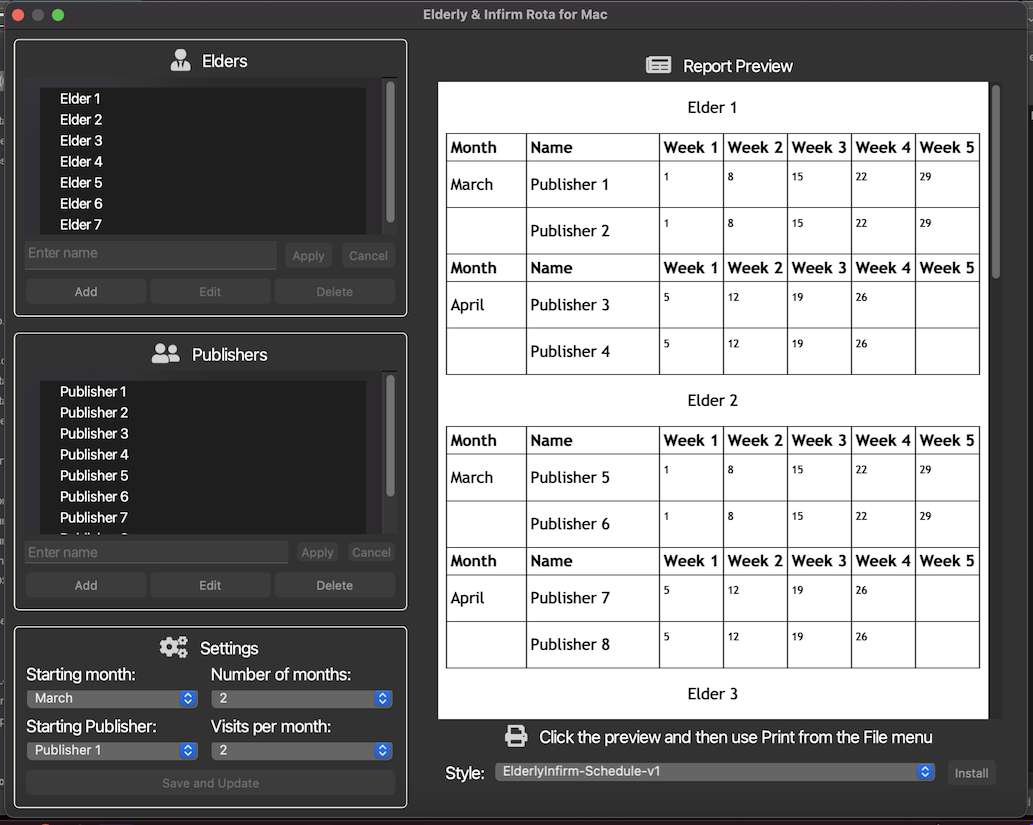
Visits Rota 22.0.0
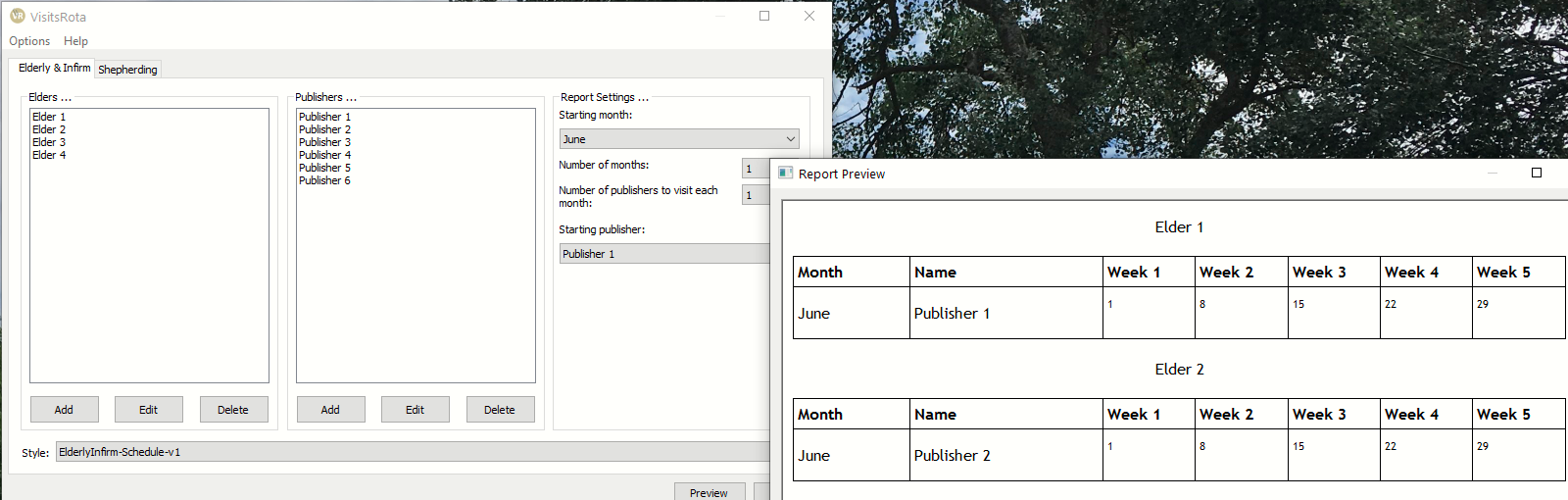
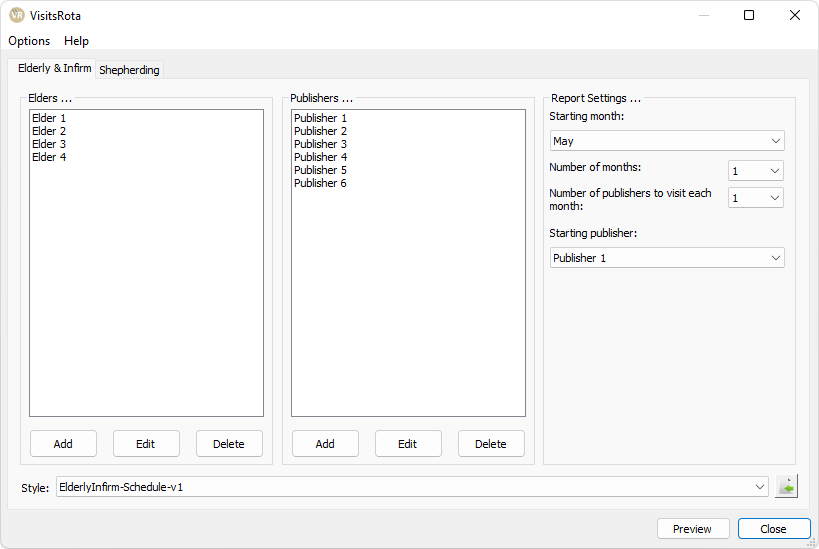
Visits Rota has been designed to assist you in preparing simple schedules for:
- Visiting the elderly and infirm
- Shepherding
This way, all in the congregation have a share in visiting our elderly and infirm and it ensures that shepherding is done decently and by arrangement.
Download Software

A big thank you to the brothers and sisters who have devoted their time in translating these programs into other languages. This is by no means a trivial task, and it has opened up these programs to many more users.
Please contact me if you would like to maintain a translation of these programs in other languages.