
Reminders
Reminders help you keep track of small tasks that need attention during specific meeting weeks. By linking each reminder to a week, the software can prompt you at the right time.
The Reminders window shows all reminders for upcoming weeks, and you can add, edit, or delete them as needed.
Common uses include:
- Monthly Accounts
- Announcements for a particular week
- Assembly or Convention preparation
- Branch‑requested reminders
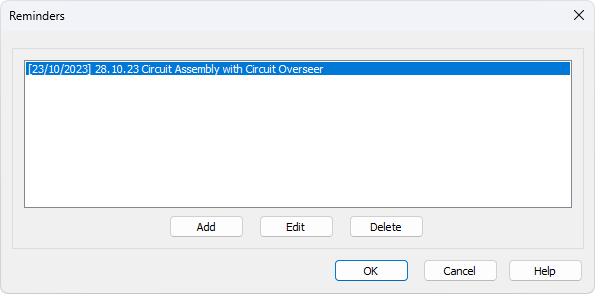
Figure 76. Reminders window — manage reminders linked to meeting weeks.
How to Access
You can access this feature from:
- Database — Reminders
Reminders on the Calendar
Reminders also appear on the main application calendar. When you hover over a date that has a reminder attached, a tooltip shows the reminder text. This gives you a quick way to see upcoming tasks without opening the Reminders window.
Popup Reminder
When you select a meeting date in the editor that has a reminder attached, a pop‑up message appears automatically. This ensures important tasks surface at the moment you are scheduling that week.
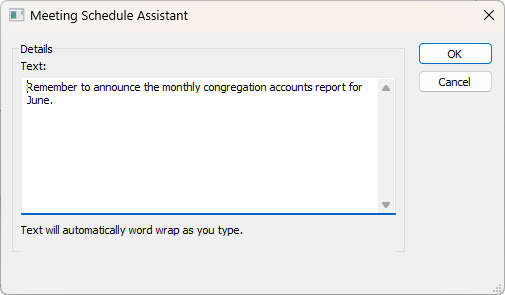
Figure 77. Popup reminder — displayed when a reminder is linked to the selected meeting week.
You can choose to:
- Delete the reminder if it is no longer needed
- Keep the reminder by clicking OK, allowing it to reappear next time
- Change the reminder date (and optionally the text), which is useful for recurring or postponed tasks
This simple reminder system helps you stay organised and ensures nothing important slips through as you plan your schedules.
Navigation
- Parent topic: Database Menu
- Previous topic: Public Talks
- Next topic: Special Events