
Editors
Meeting Schedule Assistant includes several editors for creating and managing congregation schedules. Each editor is designed for a specific scheduling task while sharing the same databases and application settings.
Assignments Editor
See also: Assignments Editor
The Assignments Editor is a spreadsheet-style editor, similar to Microsoft Excel, used to prepare congregation duty schedules. It provides a fast and familiar way to enter, review, and adjust assignments across multiple weeks.
You can use it to prepare schedules for:
- Midweek meeting duties
- Weekend meeting duties
- Other custom assignment schedules
When your schedule is complete, you can preview, print, or export it.
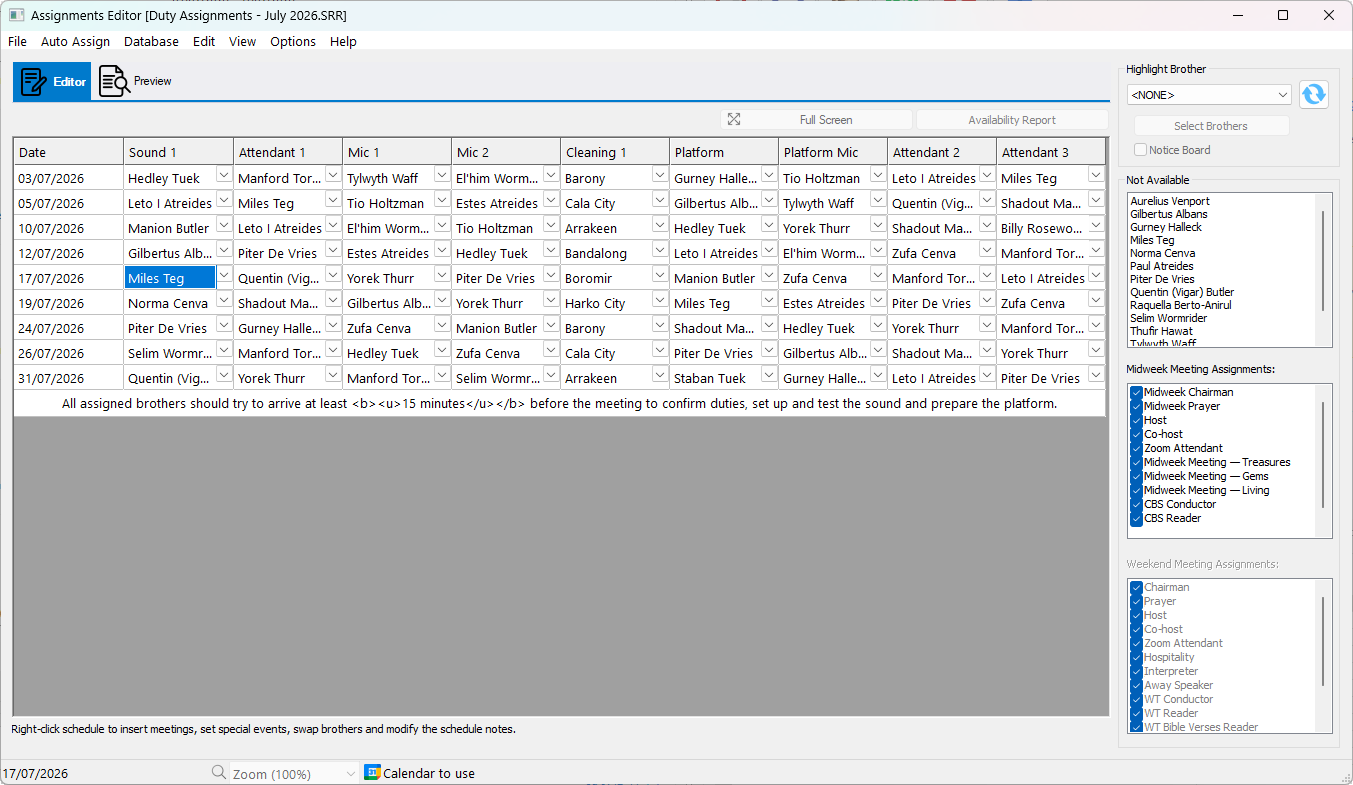
Figure 180. Assignments Editor for preparing congregation duty schedules.
Meeting Editor
See also: Meeting Editor
The Meeting Editor is used to prepare congregation meeting schedules, including the Our Christian Life and Ministry Meeting. It provides the tools needed to enter meeting details, assign participants, and produce accurate, well-formatted schedules.
Once complete, schedules can be previewed, printed, exported, or copied to Microsoft Word.
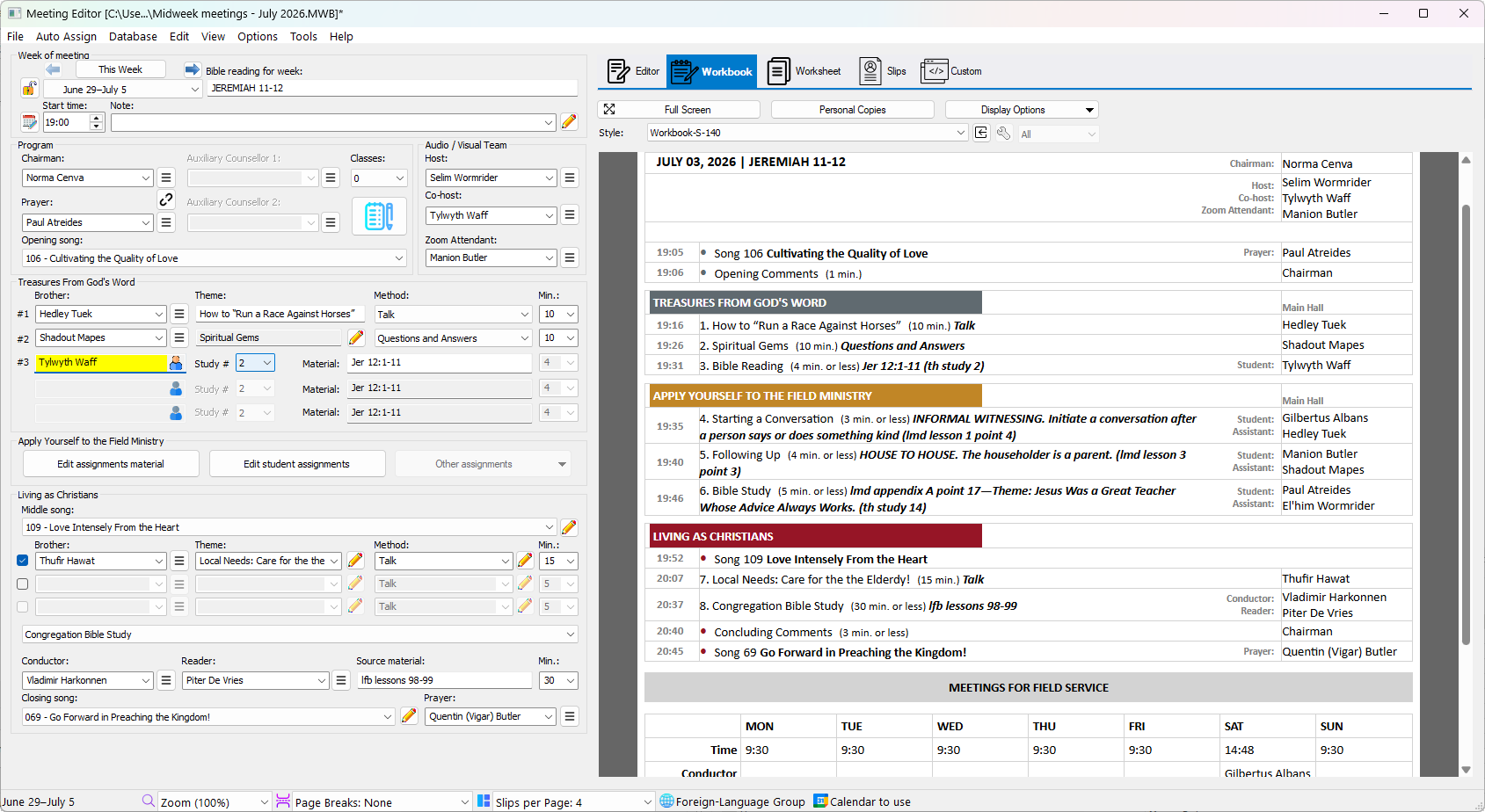
Figure 181. Meeting Editor for preparing congregation meeting schedules.
Advanced Customization
See also: Advanced Customization
The Advanced Customization tools let you tailor the appearance of generated schedules directly from within the editors. You can customise report templates, headings, layout, and other formatting options so printed and exported schedules match your congregation's preferred style.
Related Topics
The editors share several features, including printing, exporting, previewing schedules, zoom controls, and search tools.
See Common Features for information that applies across all editors.
Navigation
- Parent topic: Meeting Schedule Assistant
- Previous topic: Menu Bar
- Next topic: Revision History