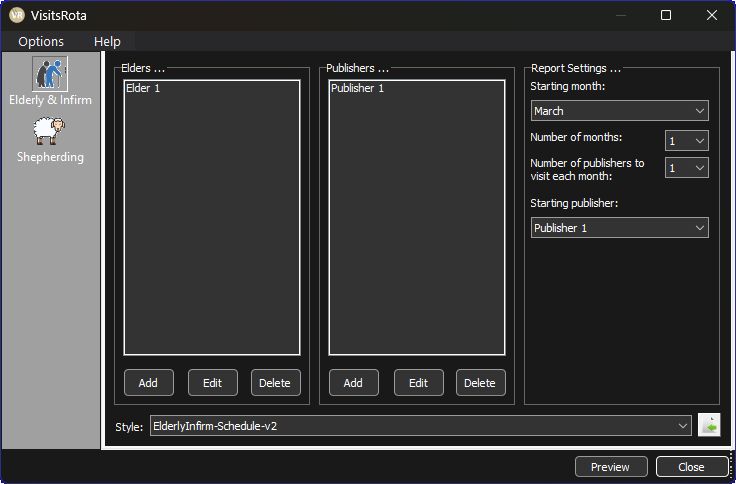
VisitsRota 26.0.0 introduces one of the most requested visual improvements: a fully integrated dark mode. It gives the app a calmer, more modern feel, especially during evening use or when you’re working in low‑light environments.
Why Dark Mode Matter
Dark mode isn’t just a cosmetic option. It reduces glare, improves readability for many users, and helps the interface feel more contemporary.
- Softer contrast for evening use
- Cleaner, modern visual style
- Carefully tuned colours for clarity
- Works automatically with your system theme
How to Enable It
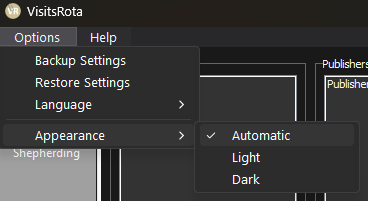
VisitsRota now follows your operating system’s theme by default. If your device is set to dark mode, VisitsRota will match it automatically. Prefer to control it manually? You can override the theme in Options > Appearance.
Updated Built‑In Template
VisitsRota 26.0.0 also includes a refreshed set of built‑in templates designed to work seamlessly with the new appearance setting. Whether you’re using light mode or dark mode, the templates now adapt automatically so your schedules look consistent, polished, and easy to read.
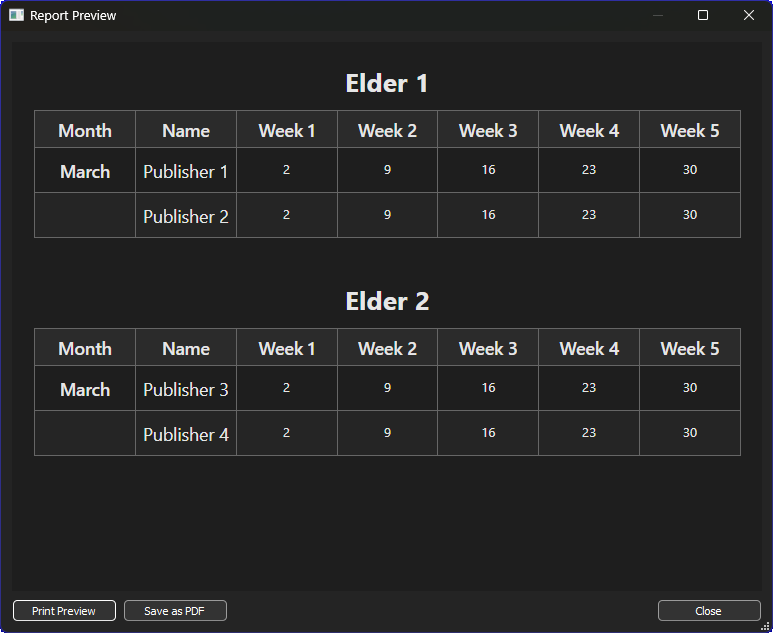
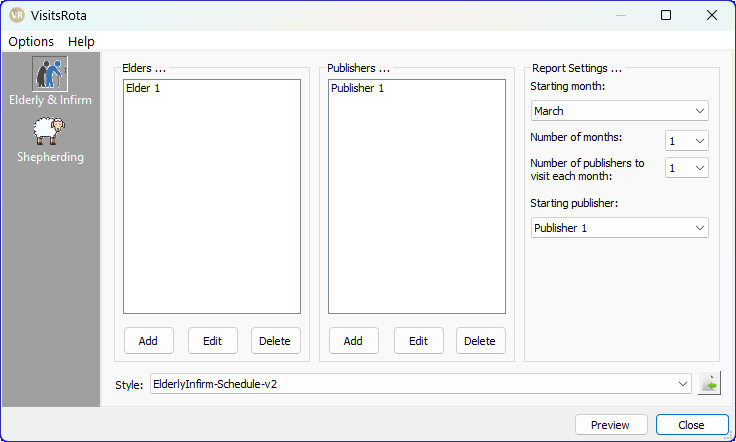
To use the new templates, make sure you select Version 2 (V2) from the template drop‑list. The older templates remain available for anyone who still needs them, but only the V2 versions include full support for the new appearance setting and the updated light/dark styling.
Latest Download
Supported operating systems:
Windows 8.1
Windows 10
Windows 11