Changing the date of your meeting
2020-07-22
This short tutorial shows you how to change the meeting date after you have already created and saved your schedule.Continue Reading
This short tutorial shows you how to change the meeting date after you have already created and saved your schedule.Continue Reading
This tutorial explains how to install the S-89 Assignment Slip template files and use them with the Midweek Editor.Continue Reading
This video explains how to adjust the XSL document so that you can display the start times on your S-140 schedules instead of the end times.Continue Reading
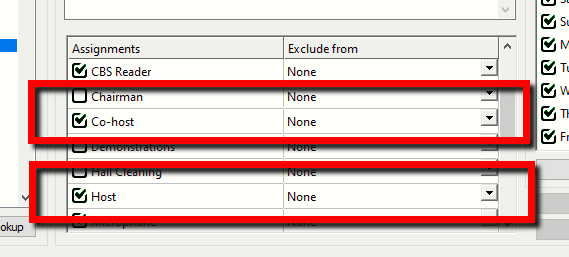
What’s New We have decided to add distinct assignments for Host and Co-host to the Publishers Database window: The Midweek Meeting Editor was previously listing all those who had the Midweek Meeting assignment. It turned out that brothers preferred to be able to set these two lists independently. In lightContinue Reading
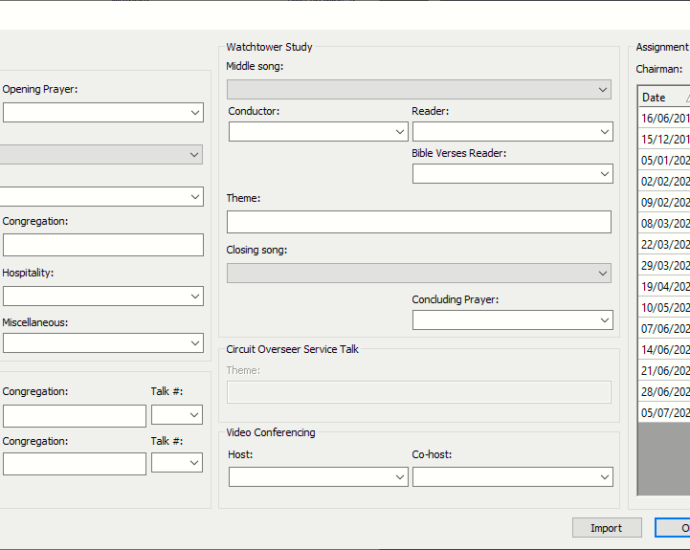
Version 20.2.1 includes some bug fixes and improvements to the Weekend Meeting Editor window.Continue Reading
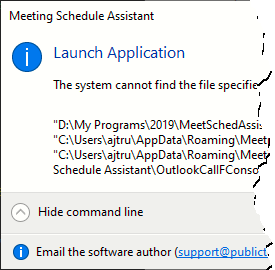
Version 20.2.0 fixes bugs with Google / Outlook calendar synchronisation. Improvements made to how the installer checks for required support files.Continue Reading
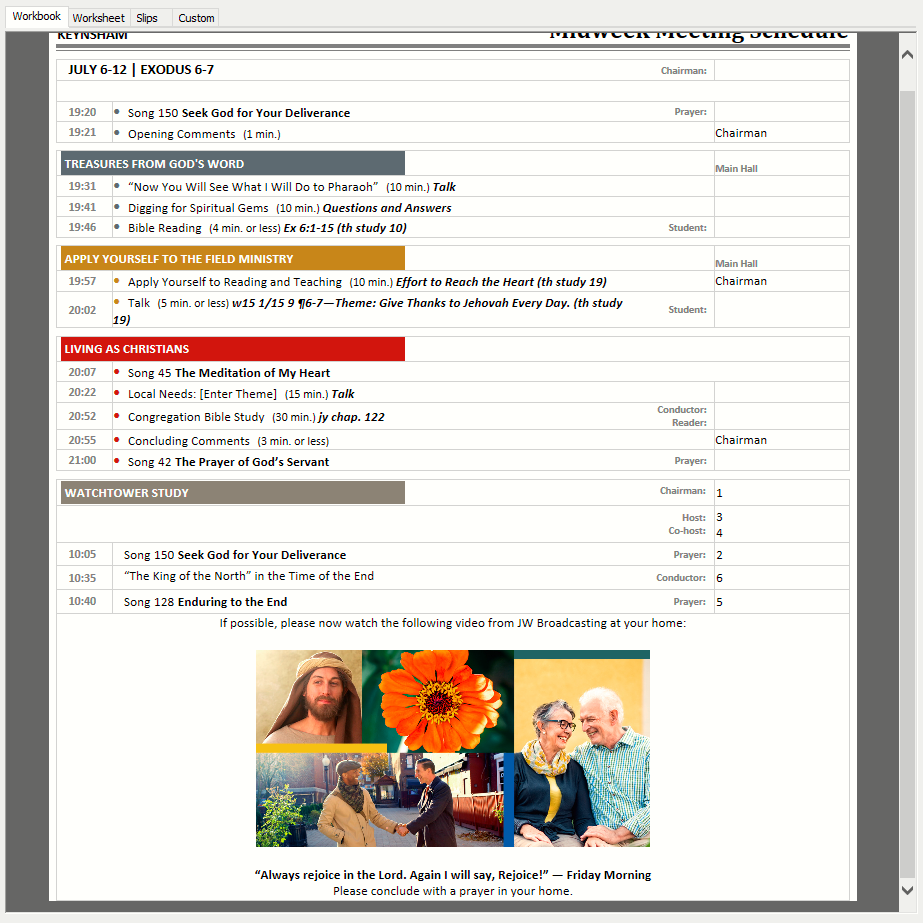
You can now specify the Away Speaker talk numbers in version 20.1.9.Continue Reading
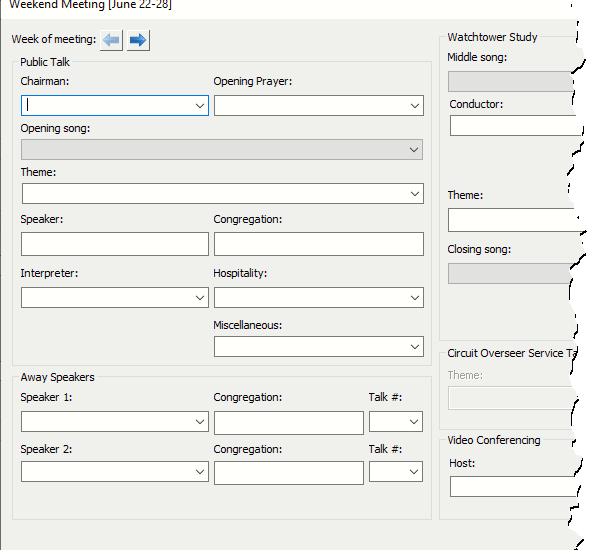
Version 20.1.8 includes several improvements, including some changes to the Weekend Meeting window. A few bug have also been identified and fixed.Continue Reading
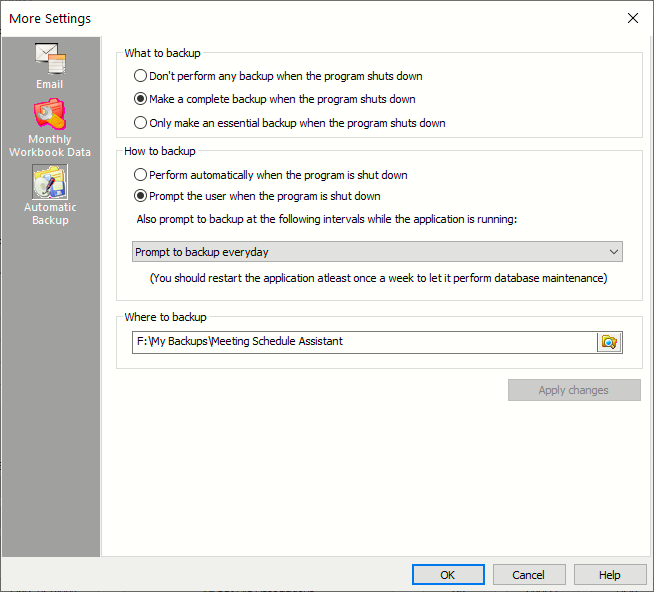
This version of Meeting Schedule Assistant includes improvements for disaster recovery. Read more …Continue Reading
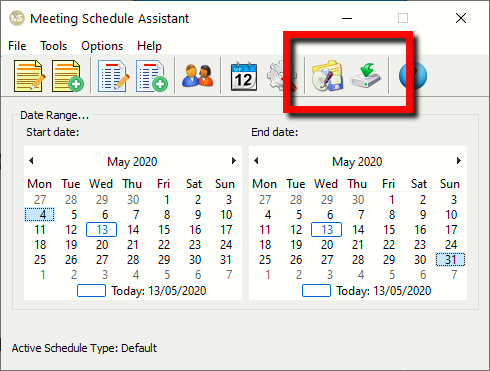
This version of Meeting Schedule Assistant includes a few improvements to the Weekend Meeting window. Whats more, it is now possible to double-click a schedule file in your File Explorer and open it in Meeting Schedule Assistant. Read more …Continue Reading