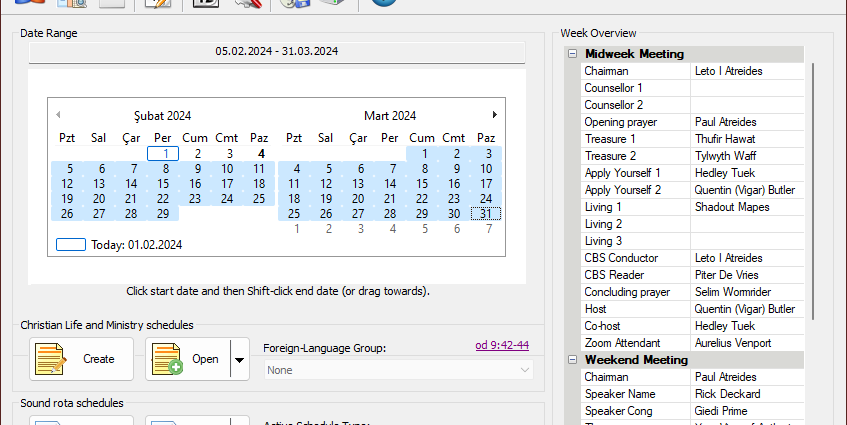
Meeting Schedule Assistant 24.1.4 is now available
2023-11-09
Version 24.1.4 includes an updated user interface. And the Weekend Meeting Editor now has a Talk History List.Continue Reading
Version 24.1.4 includes an updated user interface. And the Weekend Meeting Editor now has a Talk History List.Continue Reading
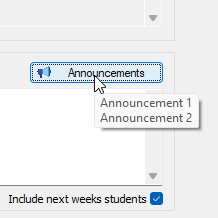
It is now possible to include a bulleted list of announcements in the Concluding Comments section of the Chairman’s Worksheet Notes.Continue Reading
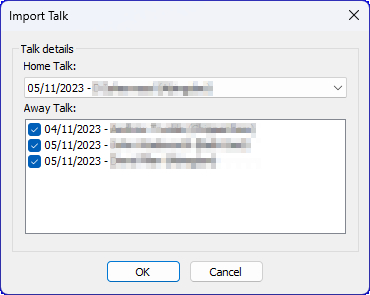
It is now possible to include more than two away talk assignments in Meeting Schedule Assistant version 24.1.1. And some bugs were squashed!Continue Reading
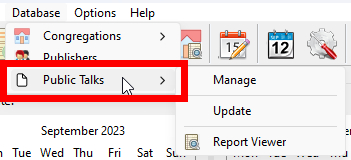
Version 24.1.0 has a new Public Talks database feature and we introduce you to the Issues Tracker.Continue Reading
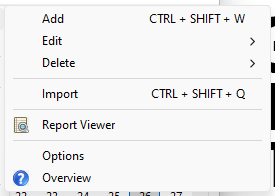
Welcome to version 24.0.0! Publishers can now be assigned to Field Service Groups. And we are pleased to include the Congregations Database. Read on to find out more.Continue Reading
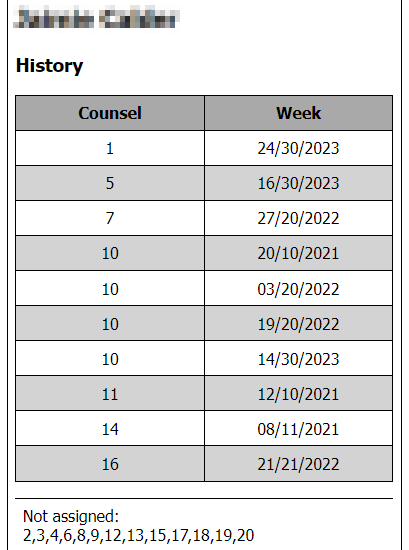
Version 23.5.2 includes bug fixes and minor improvements. We are introduce you to a new custom template “Student Assignment History — Counsel”.Continue Reading
Custom template to easily identify which counsel numbers a student has not been assigned.Continue Reading
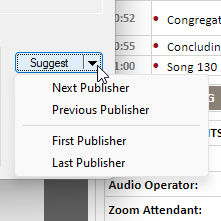
Version 23.5.0 has a new Suggest Publisher feature and the Assignments Editor sidebar has a new Weekend Meeting Assignments checklist.Continue Reading
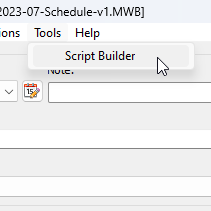
Version 23.4.0 includes a new Script Builder and several bugs have been resolved. Please upgrade!Continue Reading
There have been seven updates to the software since the last newsletter. And now there is another. 😊These interim versions were announced on my Telegram social media channel. You may have noticed that I have decided to drop support for the Instagram social media channel. It did not have manyContinue Reading